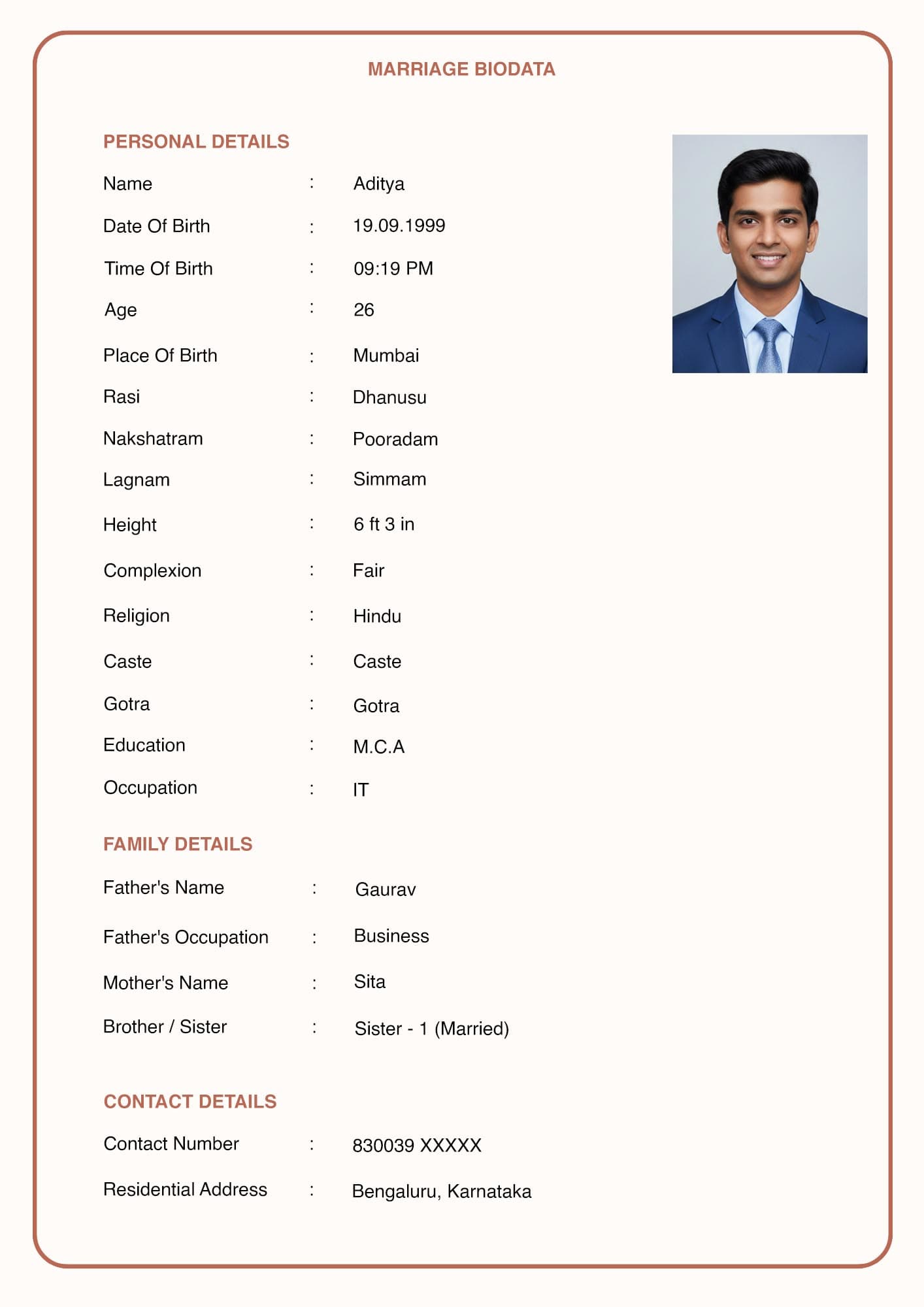
Small Errors Can Cost Big Opportunities
You've found the perfect marriage biodata format pdf, but the design is only half the battle. The content you fill inside it dictates whether a family decides to take the next step. Having reviewed thousands of profiles, we see the same avoidable mistakes being made repeatedly. Here is a countdown of the top 5 mistakes, and exactly how to fix them.
Mistake 5: The Unprofessional "Group Photo"
What not to do: Using a photo where you are standing with three friends at a wedding, and attempting to crop yourself out, leaving a floating arm in the frame.
What to do instead: Your profile picture is the most scrutinized element of the document. Use a clear, solo portrait taken against a clean background with good natural lighting. Dress well, smile naturally, and ensure your face takes up about 60% of the frame.
Mistake 4: Vague Career Descriptions
What not to do: Writing generic statements like "Working in an MNC" or "Doing Business."
What to do instead: Arranged marriages thrive on transparency and stability. If you are vague, families might assume you are hiding something. Be highly specific: "Business Analyst at TCS, Pune" or "Owner of a retail pharmacy in Delhi."
Mistake 3: Unrealistic "Partner Expectations"
What not to do: Writing a 10-point checklist of demands (e.g., "Must be exactly 5'5", fair, earning 10 LPA, and willing to cook daily").
What to do instead: Extreme demands come across as arrogant and controlling. Keep your expectations broad, positive, and grounded in shared values. For example: "Looking for an educated, understanding partner with a balance of modern outlook and traditional family values."
Mistake 2: Spelling and Grammatical Typos
What not to do: Spelling your company name wrong, or writing "Hobies: Listing to music."
What to do instead: A biodata littered with spelling mistakes implies carelessness. It suggests you didn't care enough to review a document determining your life partner. Always proofread your details twice before generating your marriage biodata PDF. Ask a sibling or a friend to read it over with fresh eyes.
Mistake 1: Using an Outdated, Ugly Format
What not to do: Sending a plain, black-and-white text document typed up in Notepad that looks like a legal contract from 1995.
What to do instead: Presentation matters. An ugly format suggests a lack of effort. Use a modern, structured layout that shows you put thought and care into the process. Good design inherently builds trust and suggests high standards.
Avoid Formatting Mistakes Automatically
Our premium templates are designed by professionals to make sure your data is structured beautifully and flawlessly.
Browse Modern Templates