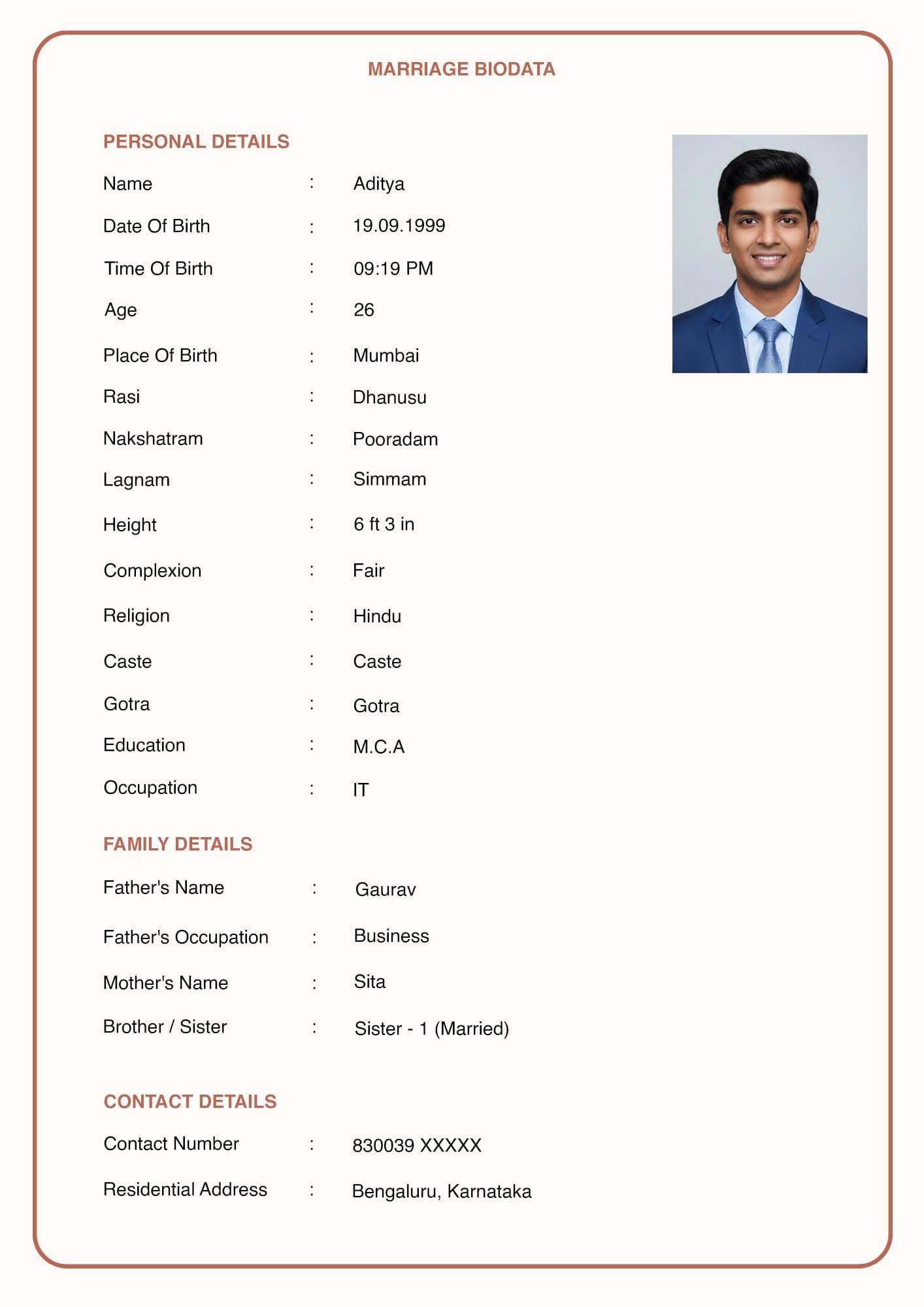
Send the PDF. Keep the Word file for yourself.
That is the short version, and it holds in almost every case. The longer version explains why, and covers the two situations where a Word file is genuinely the right thing to send.
Quick Answer Send a PDF. It looks identical on every device, which a Word file does not. Keep an editable Word copy yourself for updates. Send Word only when a matrimonial consultant asks for an editable file, or when the receiving family has specifically requested one. Never send both in the same message, because families then circulate different versions.
The Real Difference: Layout Stability
A Word file re-flows. A PDF does not.
When you open a .docx on a device that lacks the fonts it was built with, Word substitutes something else. Character widths change. Lines that fit before now wrap. Your carefully arranged one-page biodata becomes a page and a half, with the photo pushed onto page two and a blank half-page in the middle.
You never see this happen, because on your machine it looks correct. The family that received it sees the broken version and assumes that is how you made it.
A PDF embeds its layout. What you exported is what everyone opens, on any phone, laptop, or print shop computer.
Side by Side
| Factor | Word (.docx) | |
|---|---|---|
| Layout on other devices | Re-flows, often breaks | Identical everywhere |
| Editable by recipient | Yes, which is usually a problem | No |
| Opens on any phone | Needs an app, sometimes prompts a download | Opens natively on both Android and iOS |
| WhatsApp handling | Sent as a document | Sent as a document, previews better |
| Printing at a shop | Layout may shift on their machine | Prints as designed |
| Typical file size | Often larger, image embedded uncompressed | Smaller, compressed |
| Good for your own updates | Yes | No |
The "editable by recipient" row deserves a second look. It is listed as a Word advantage on most template sites. In practice it is a risk. A consultant or a relative can edit your biodata, intentionally or by accident, and forward the changed version onward. You have no way to know.
When to Send Word
Two genuine cases.
- A matrimonial consultant asks for it. Consultants often standardise biodatas into their own format before circulating them. Giving them an editable file saves a retyping step, and retyping is where errors enter.
- The receiving family asks for it. Some families maintain their own records and prefer to reformat. Uncommon, but it happens.
Outside these, sending Word creates version problems and nothing else.
Never Send Both
This is the mistake worth naming separately.
If you attach both a .docx and a .pdf in the same message, the file gets forwarded and the two versions separate. One relative forwards the Word file, another forwards the PDF. Six weeks later there are two circulating documents and you have updated only one.
Send one file. If someone specifically needs the other format, send it directly to them.
Keeping Your Own Editable Copy
You will update this document. Details change. A job changes, a sibling gets married, a phone number changes.
Keep the editable version in one place. Either a Word file on your own device, or the tool you built the biodata in. Make every change there, then export a fresh PDF. Never edit the PDF directly with an online converter, because converters rebuild the layout and usually break it.
Name your files with a date. "Biodata_Ananya_Aug2026.pdf" tells you and everyone else which version they are holding. A file called "biodata_final_new2.pdf" causes exactly the confusion it sounds like it would.
What About Images and JPEGs?
Some biodata tools offer a PNG or JPEG download. It has one use and one serious drawback.
The use: images preview directly inside a WhatsApp chat without needing to be opened. That genuinely helps when someone is scrolling on a phone.
The drawback: WhatsApp compresses images on every send. After two or three forwards, the text on a biodata image becomes soft and the photo looks poor. A PDF is not compressed the same way, because it is treated as a document rather than a picture.
If you want the preview benefit, send the PDF as the document and the image only as a convenience. See [INTERNAL-LINK: sending a biodata on WhatsApp → spoke D1] for the full handling.
Frequently Asked Questions
Which is better for a marriage biodata, Word or PDF?
PDF, in almost every case. It preserves layout on every device, which a Word file does not. Keep Word for your own edits.
Can I edit a PDF biodata after downloading it?
Not easily, and you should not try. A PDF is a fixed-layout file. Make changes in your Word file or in the tool you built it with, then export a new PDF.
Will a PDF open on any phone?
Yes. Both Android and iOS open PDFs without an extra app. Word files sometimes prompt a download or an app install, which is friction at exactly the wrong moment.
Why does my biodata look different on someone else's computer?
Almost always a Word file with fonts that are not installed on their machine. Word substitutes a different font, which shifts the layout. Sending a PDF removes the problem entirely.
What file size should a biodata be?
Roughly 200 KB to 500 KB. Small enough to open on a slow connection, large enough that the photo prints cleanly. See [INTERNAL-LINK: print-ready A4 biodata → spoke C2].
In Short
- Send the PDF. Keep the Word file yourself.
- Word re-flows on other devices and breaks one-page layouts.
- Send Word only when a consultant or the receiving family asks for it.
- Never attach both formats in the same message.
- Name files with a date so everyone knows which version they hold.
Next, get the output right with [INTERNAL-LINK: print-ready A4 biodata → spoke C2], and check [INTERNAL-LINK: biodata photo size and pose → spoke C3] before you export.